Pointer not under pen, wacom One DTC133W0B

I have a Wacom One DTC133W0B.
I am using the screen with Macbook Air M3, Tahoe 26.2
The problem is that after I updated my OS, the pointer is not where the pen is located.
When the pen is at the most left of the screen, at the center position vertically, the pointer is just under the pen. But if I move the pen up og down, or to the right, the pointer gets longer and longer away from the pen. Actually up to 20 cm.
Further more, if I want to make a small dot, I have to move the pen in large circles before anything is drawn.
If I use screen duplication the pointer is under the pen.
Everything worked fine before I updated the mac.
DTC133W0BDTC133WDTC133W0B0B
-
The problem with the small dots is a Clip Studio Paint problem.
Maybe just a setting.....The problem with the pointer is a generel problem.
0 -
Actually, the problem with the small dots have a connection to the pen.
It is not just a Clip Studio Paint problem.
If I make a small circle/dot with the pen, I have to draw relatively large circles, 3-4 mm before anything is registered and drawn, same problem in several apps.
If I use the macbook trackpad, I dont have the same problem.
0 -

Hi Gunner Munk,
Thanks for your messages.
From what I understood, you have 2 different issues:
-
Not being able to draw dots
This is most likely a side effect of a fix we had to release with the driver to address an issue click and drag events in Mac OS Tahoe.
Please see: https://cdn.wacom.com/u/productsupport/drivers/mac/professional/releasenotes/Mac_6.4.11-2.html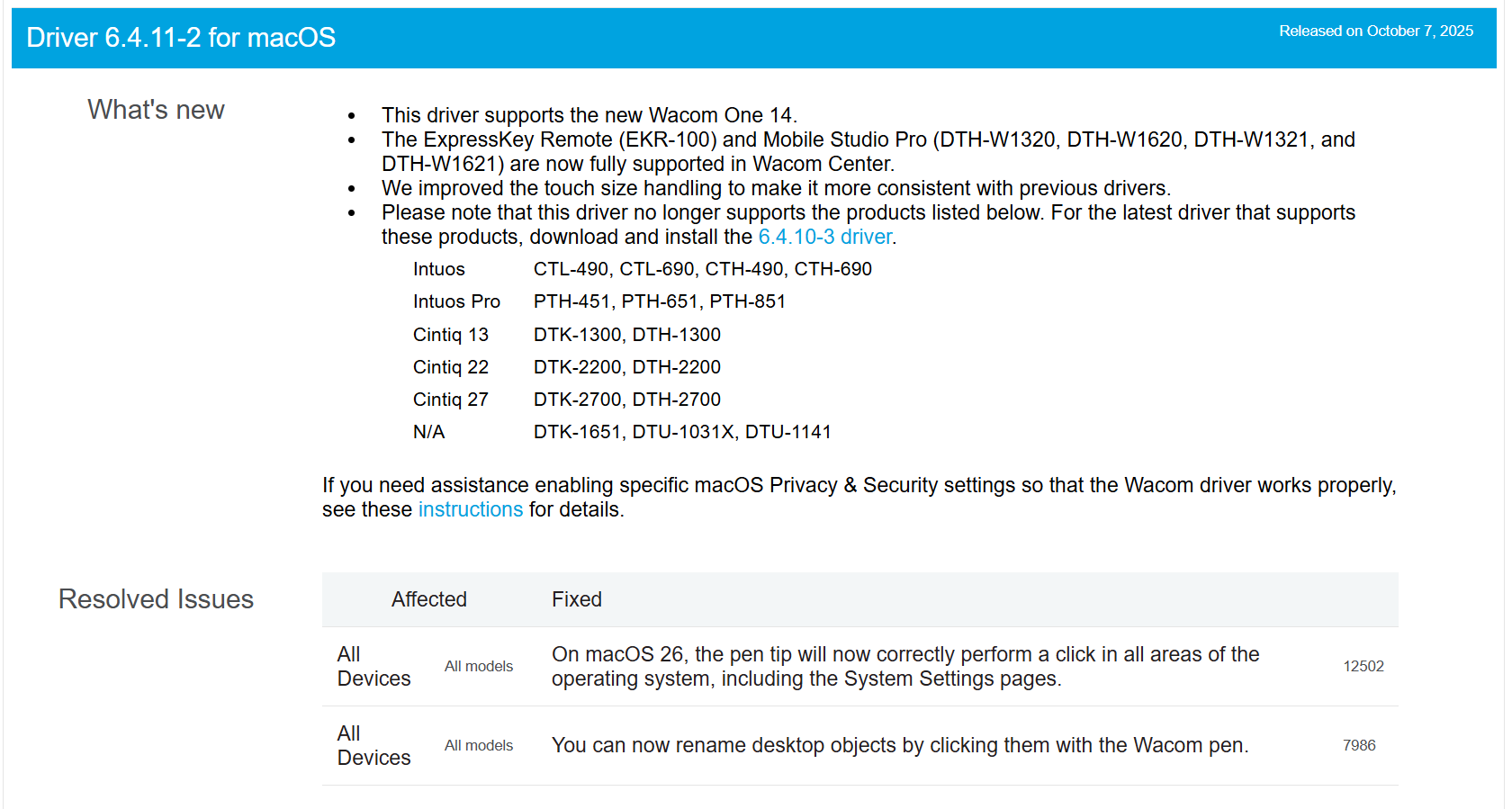
What can you do about it?
You can roll back to driver Driver 6.4.9-2 but be aware that you will not be able to click and interact with certain elements of the Mac OS UI (mainly the settings)
-
Mapping issues
The issue you describe usually means that the driver is not properly detecting the Wacom One display as a Wacom display and is no able to apply the default mapping.
What can you do about it?
Check your video connection. If you are using adapters - which you likely are since MacBook Air don't usually have HDMI ports, please make sure you use a good one and that transmit the device ID data properly to the operating system.
You can also check the System information and verify if the Wacom ONE is properly detected as a display.
0 -
Not being able to draw dots
-
Thank
Nice when an advise actually is an advices, not just a guess.
I replaced the HDMI -> USC 3 adapter with a new one. The old one has worked for years, but, I guess, after the Mac update, something changed.
The roll back of the driver to 6.4.9-2 worked. Now I can draw f.x. small circles or dots or small lines.
The pointer responds now to the small movement of the pen.Removing the newest driver was easy, using the Wacom tablet utility. I just clicked 'Uninstall', but not removing all other files connected with the driver as described in another Wacom support instruction. After installation of the 6.4.0-2 driver, and a restart, everything worked fine.
But annoying that new drivers do not work with my Wacom One.
Have a nice day.
0 -
Hi Gunner Munk.
Happy to help.
For the record, this issue is not just with your device but it's with all Wacom devices since it's an issue at the Operating System level introduced with Mac OS Tahoe. It is something that we are still working on as we are not happy that users need to roll-back to older drivers to work.
We are hoping to release a fix for this in the next update but I cannot confirm yet if this will be possible or not.
0
Please sign in to leave a comment.
댓글
댓글 5개