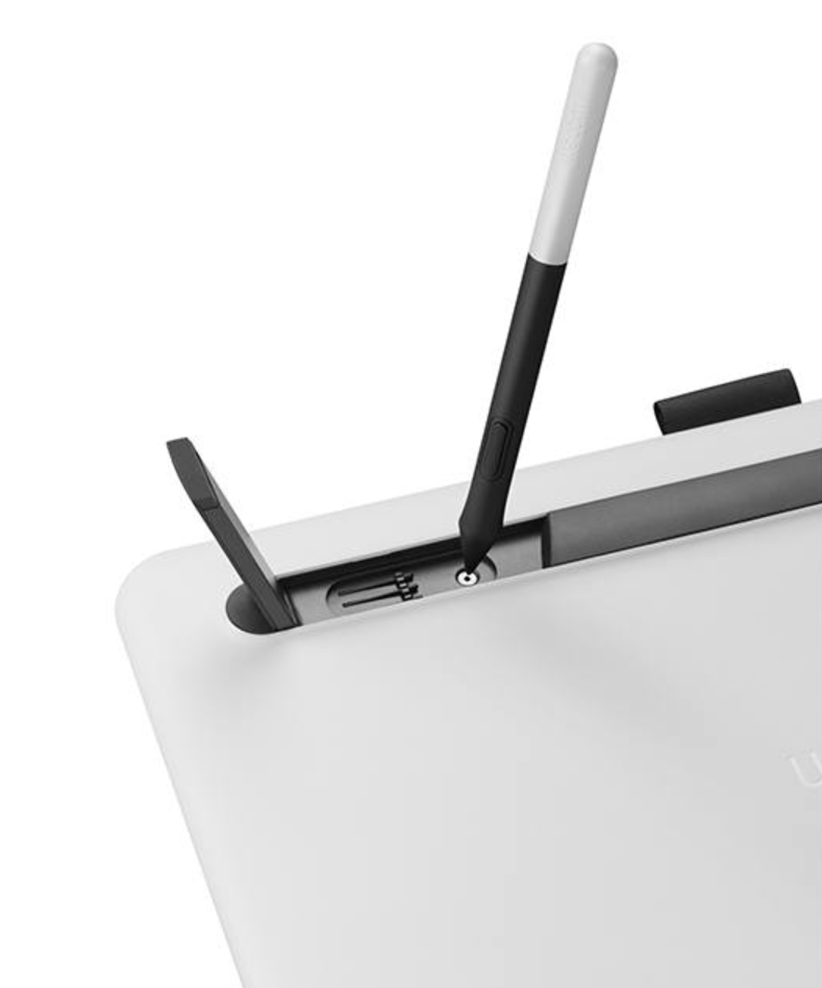
There are 3 spare nibs located underneath the built-in stand leg closest to the power button of Wacon One. Use the nib removal tool (hole next to the spare nibs) to remove your current nib. Then just gently push a new nib into your pen until it fits securely.