Grid Panels too small

Hello,
I have just set up my Wacom Pro 16. I was originally Duplicating my main-screen and the WACOM screen (mirroring). I set up my Grid Panels to work with maya (having no problems with maya). Everything was working grate. But the display on my WACOM looked low, so I went to the display setting and set the WACOM display to Extend, separating my main-screen from my WACOM screen. Now my Grid Panels are way to small for me to use.
- My main screen Display resolution is "1920 x 1080"
- My Wacom Display resolution is "3840 x 2160"
- My Wacom Scale'ing is 350%
- I am using a Windows 11 Pro, AMD Ryzen 9, 64-bit, 48 RAM, NVIDIA RTX 3070 (having no problems)
I don't want to change the resolution on my Wacom as i like the higher resolution, It look nice.
BUT, How do I change the scaling of the Grid Panels so that I can use them with my fingers?
-
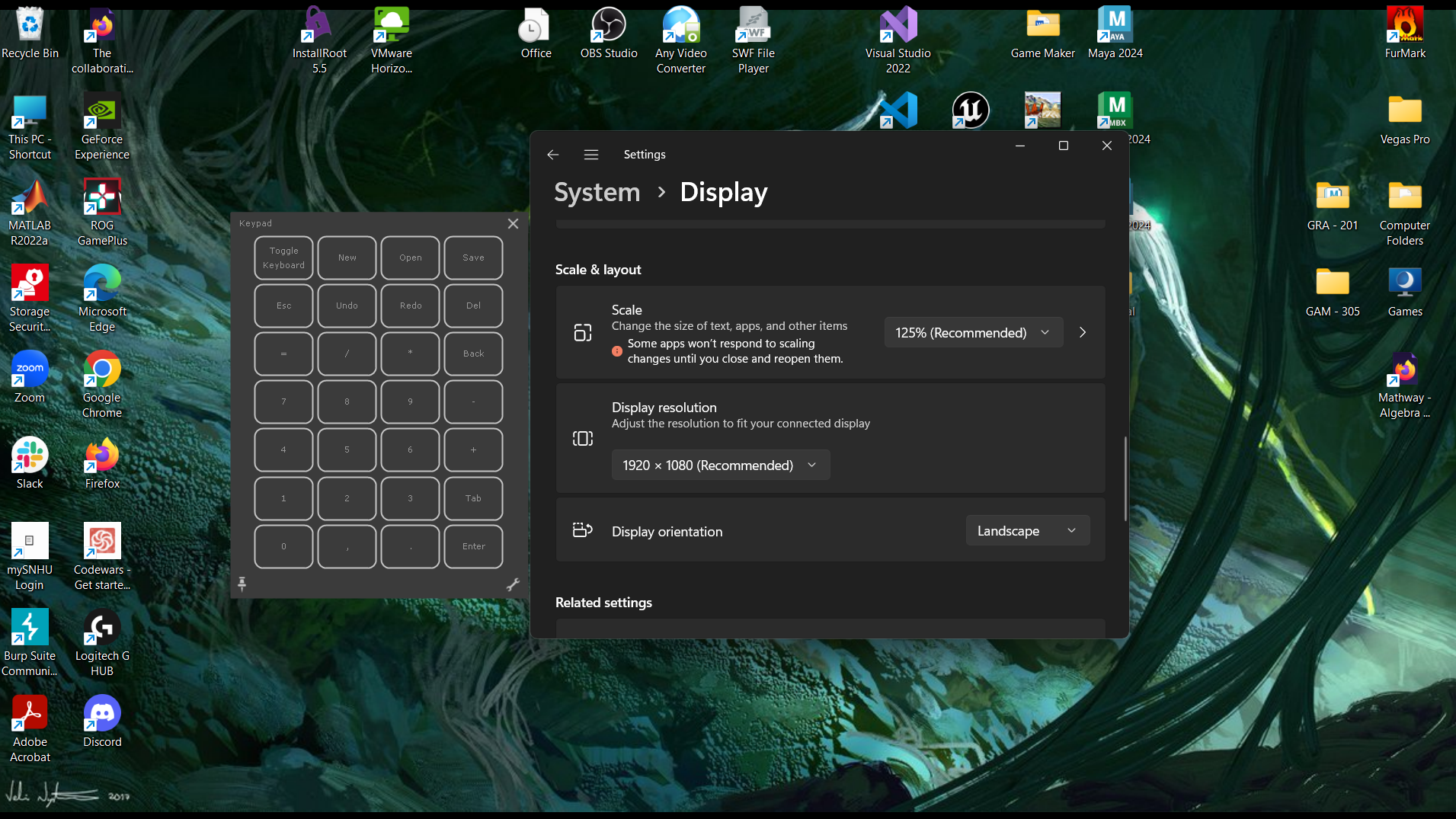
Main Monitor at 1920 x 1080, can tap on the Grid Panels just fine.
0 -

WACOM Monitor at 3840 x 2160, Can barley read the Grid Panels.
0
Please sign in to leave a comment.
Comments
2 comments