Need Wacom Pro Pen 3 Button Replacements

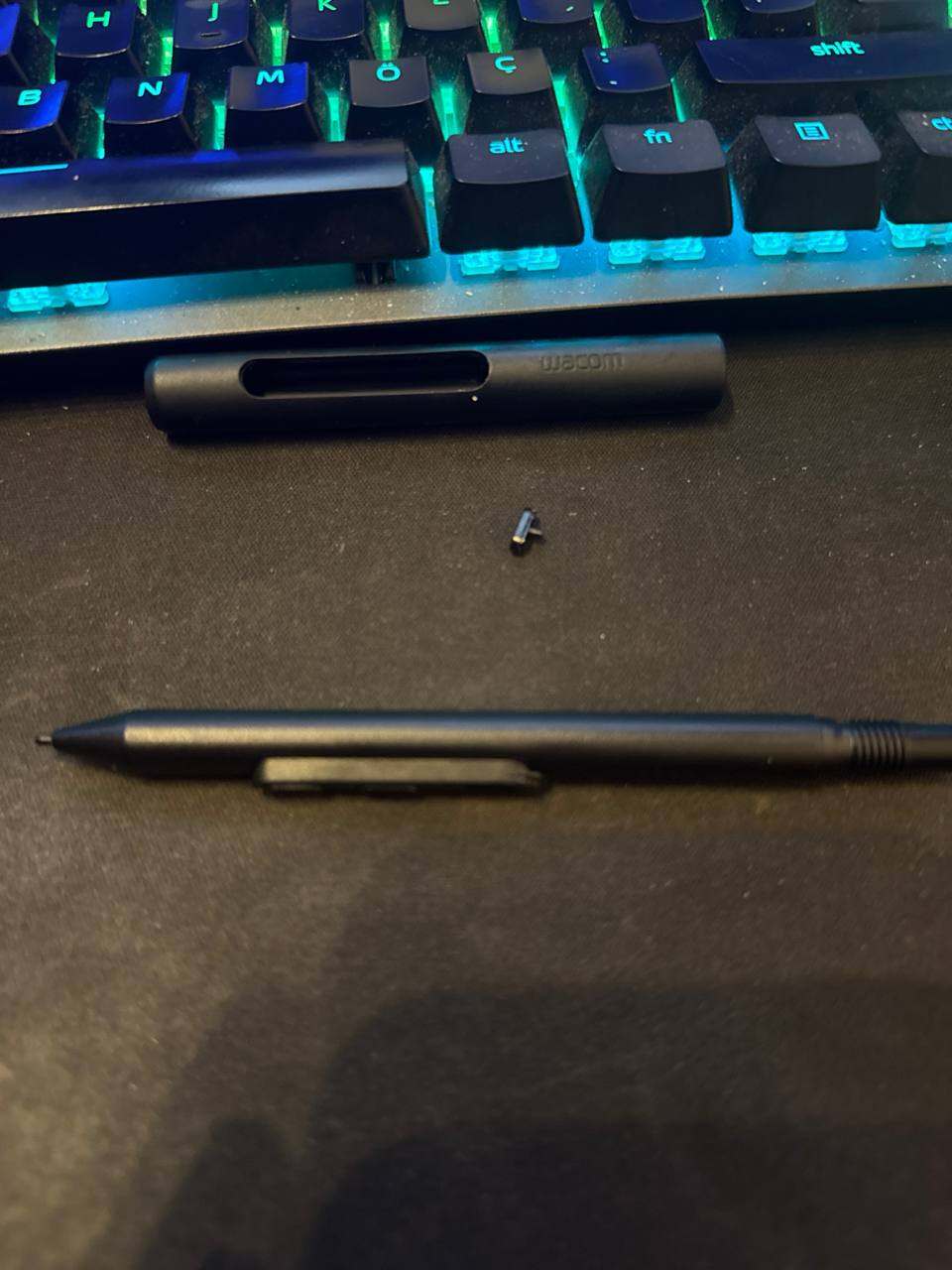
I've been using Wacom since the Volito days. I bought the Cintiq Pro 22 in April 2025 and really love this pen. BUT THIS BUTTON DESIGN IS TERRIBLE! Yesterday, while doing a drawing livestream, the button suddenly popped out. I first browsed the Wacom forums and also checked Reddit. And it turns out this happens to a lot of people. The worst part is that there's no replacement available. I'm using the Pro Pen 3 with the grip attachment. I don't like the slim version. What should I do now? Last night, I created a ticket on Wacom's website. Today, I called the place where I bought it, and they told me it was “user error.” My device is still under warranty, but they didn't know what to do either. Because Wacom doesn't have its own brand in my country; it comes through a distributor. What do you think I should do?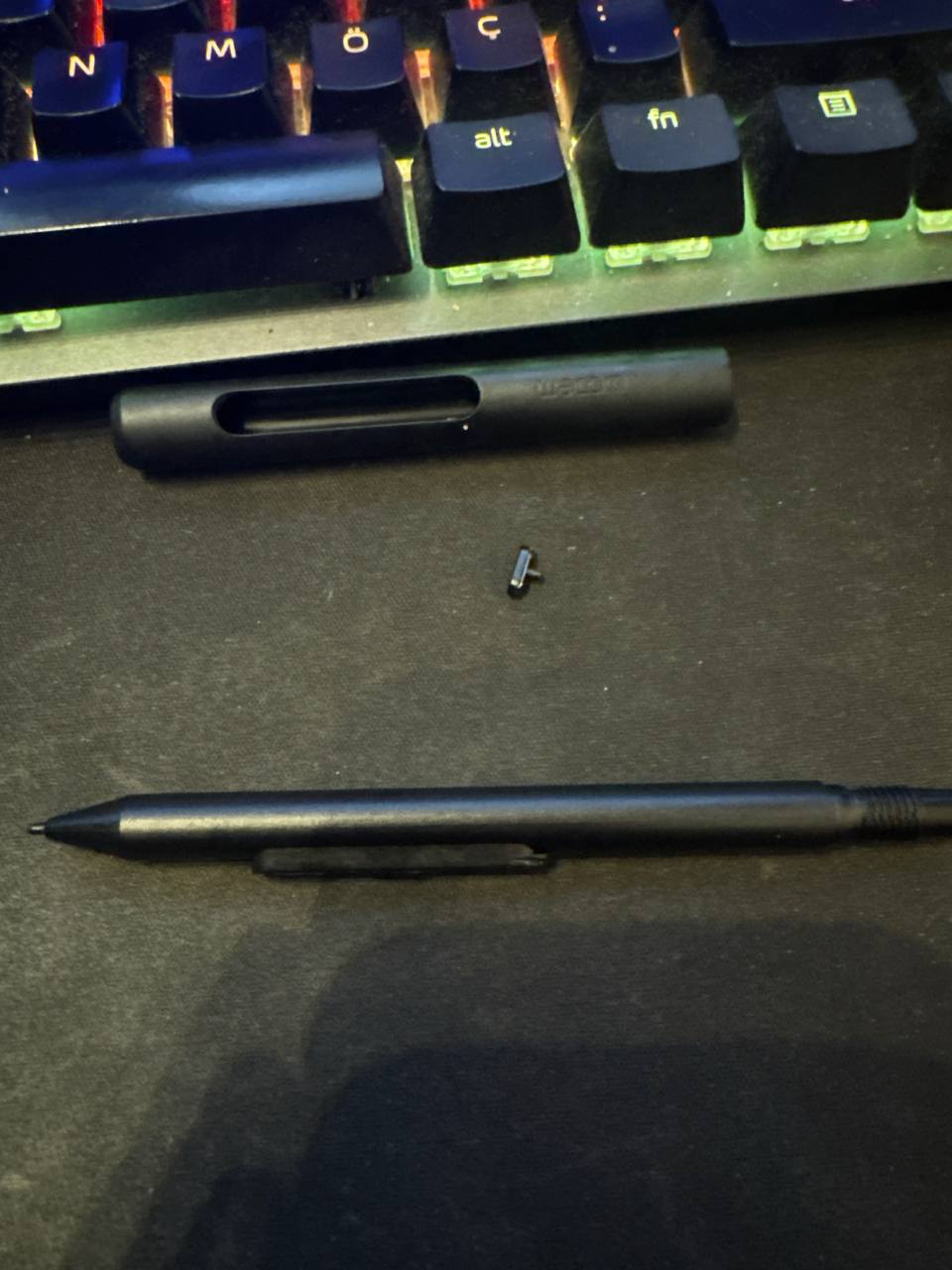
-

Hi Yağız Kani,
Sorry that you had to go through this. I have answered you through the ticket system. Please reach out to our regional partner for further support. I have provided you the contact details.
I'm confident we will be able to provide you a solution.
Cheers
0 -
Hello João,
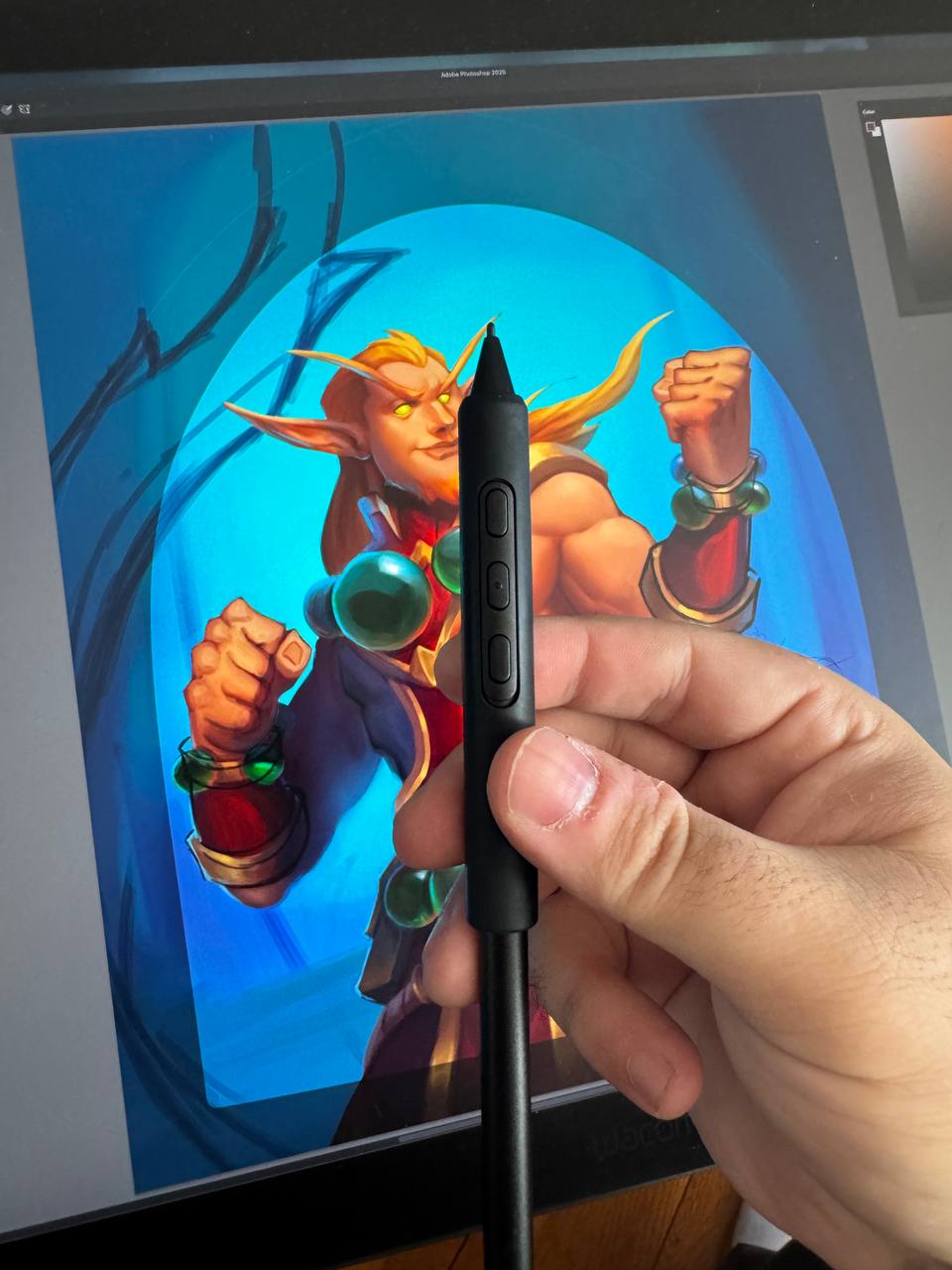
Today, I spoke with the local Wacom distributor in my city, and they resolved my issue. I would like to thank both you and them again from here. As a professional artist, I would like to give a little feedback: please work on a new button design, Wacom. This brand is very big and very valuable; it definitely deserves the best.
Thank you again for your quick help!
 0
0 -
Hi Yağız Kani,
This makes us very happy. And thanks for your feedback. There already some modifications to the more recent pen productions and we are closely monitoring this.
Have a great weekend.0 -
Hello.
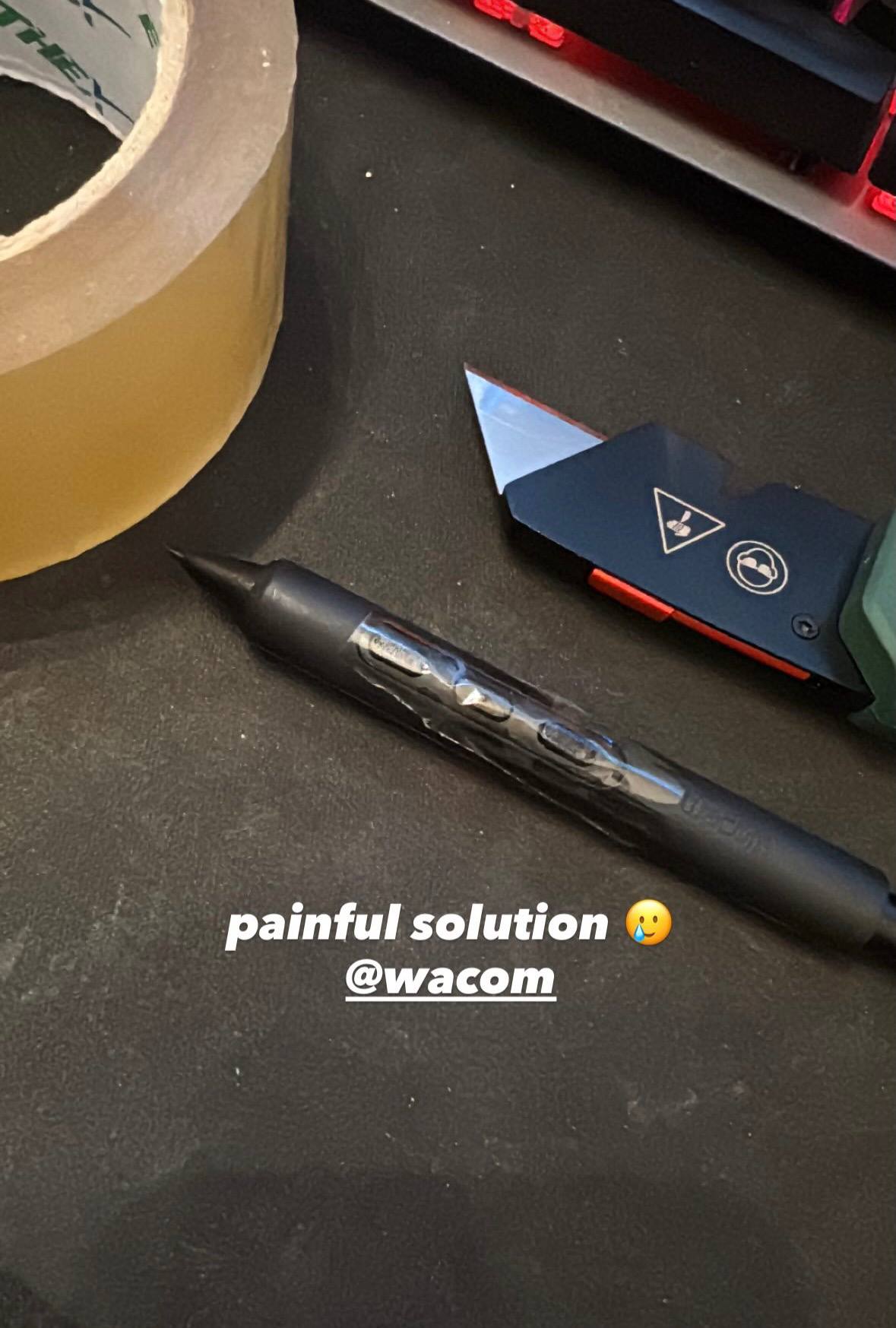
Unfortunately, the same issue has occurred again... During digital painting, I have to press this button frequently because the color pick option is on it. After a while, this button really can't take it anymore... Please, the new design needs to come out urgently :( I've taped it for now; it's uncomfortable to use, but at least I've secured the button to the pen...
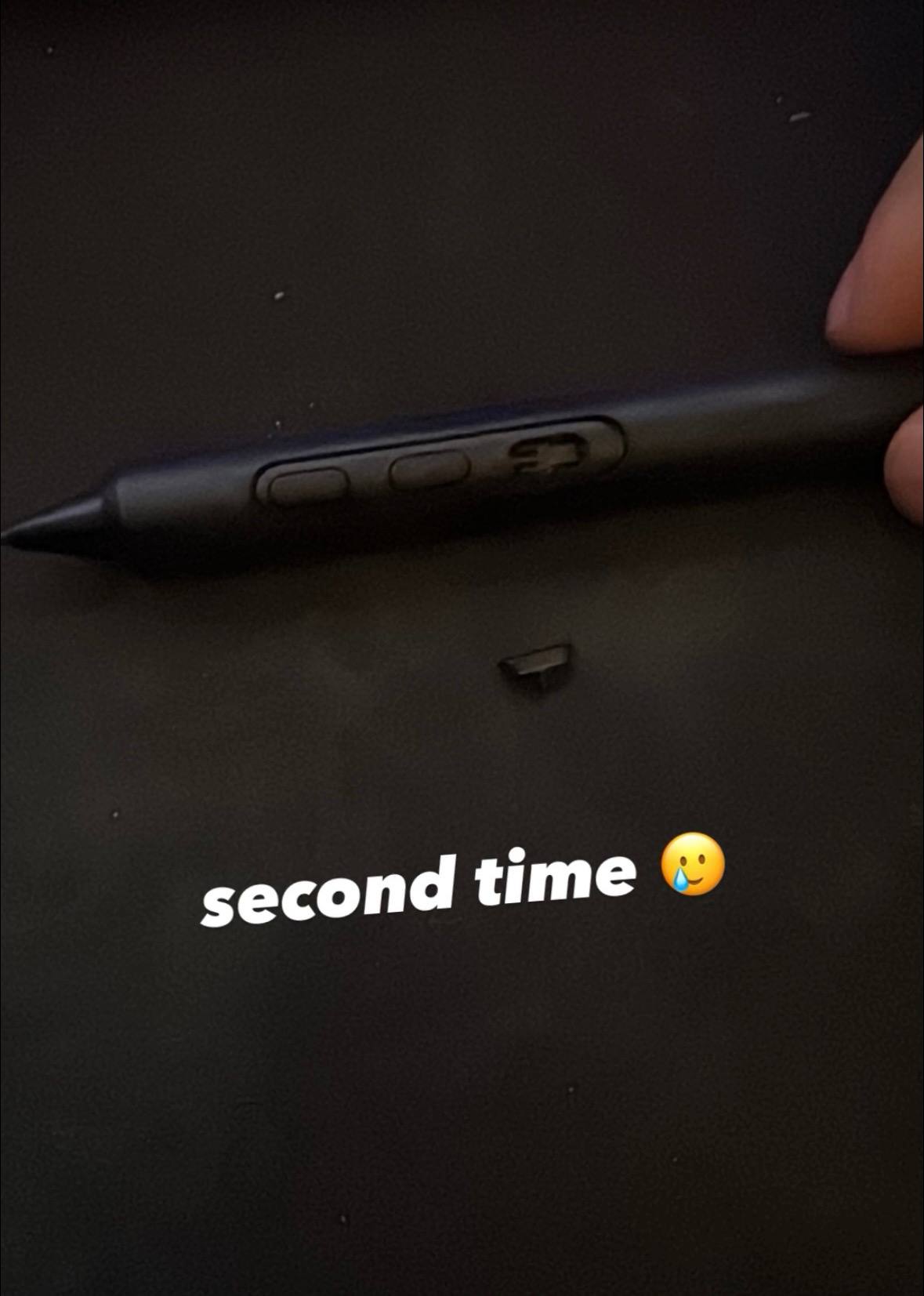 0
0
Please sign in to leave a comment.
Commentaires
4 commentaires