Can I turn off the icon when switching screens?

I use a Cintiq 16 on Windows 11, with a second monitor. I use the upper button on my pen to switch screens, somehow that's the only way for me to do that.
Since the latest I run Windows 11 and instaled the latest Wacom software, I get an icon in the middle of my screen everytime I switch for a second orso. SUPER ANNOYING since mostly it will be over the artwork I'm working on. Please tell me there is a way to turn this off.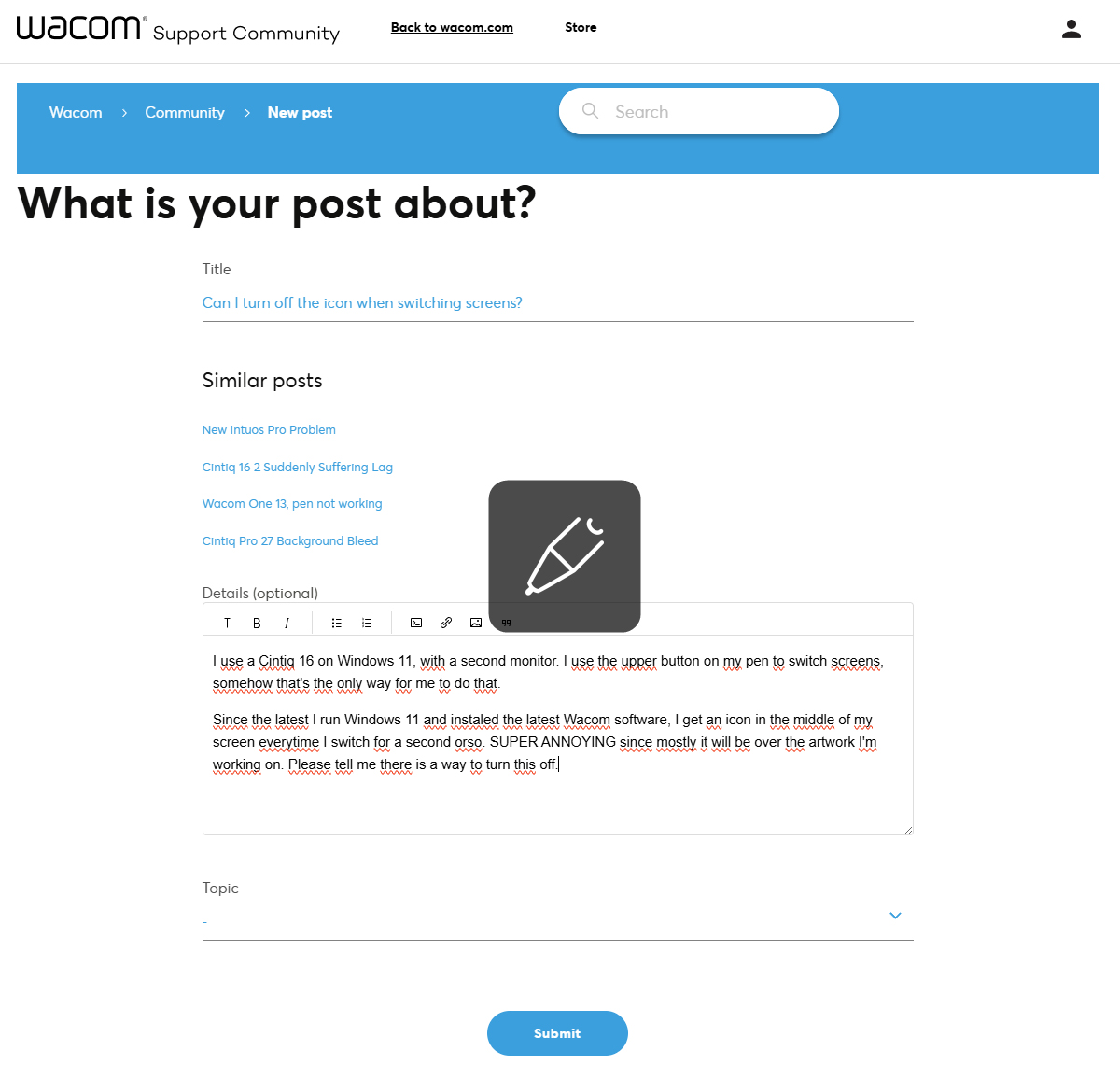
0
-

Hi Sjors Trimbach,
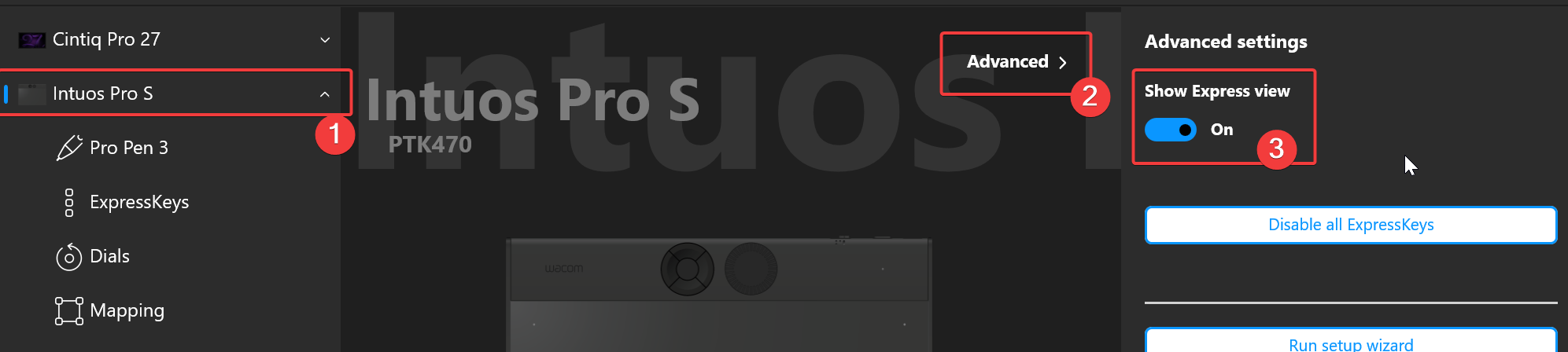
You can turn it off by disabling the Express View feature.
 1
1 -
THANK YOU!!
You've made my life so much better :D
Kind regards,
Sjors
0
Please sign in to leave a comment.
評論
2 條評論