Intuos pro PtH-651/K not connecting to Wacom Center

Hi, my pen tablet stopped working after the last system update (currently on Tahoe 26.2). I've downloaded the newest driver, restarted the computer, reconnected the tablet multiple times... Wacom centre tries synchronising, then I keep getting the message below. How do I "restart Wacom center"? I've already tried resetting via Activity Monitor and it didn't help. Thanks in advance for your help.
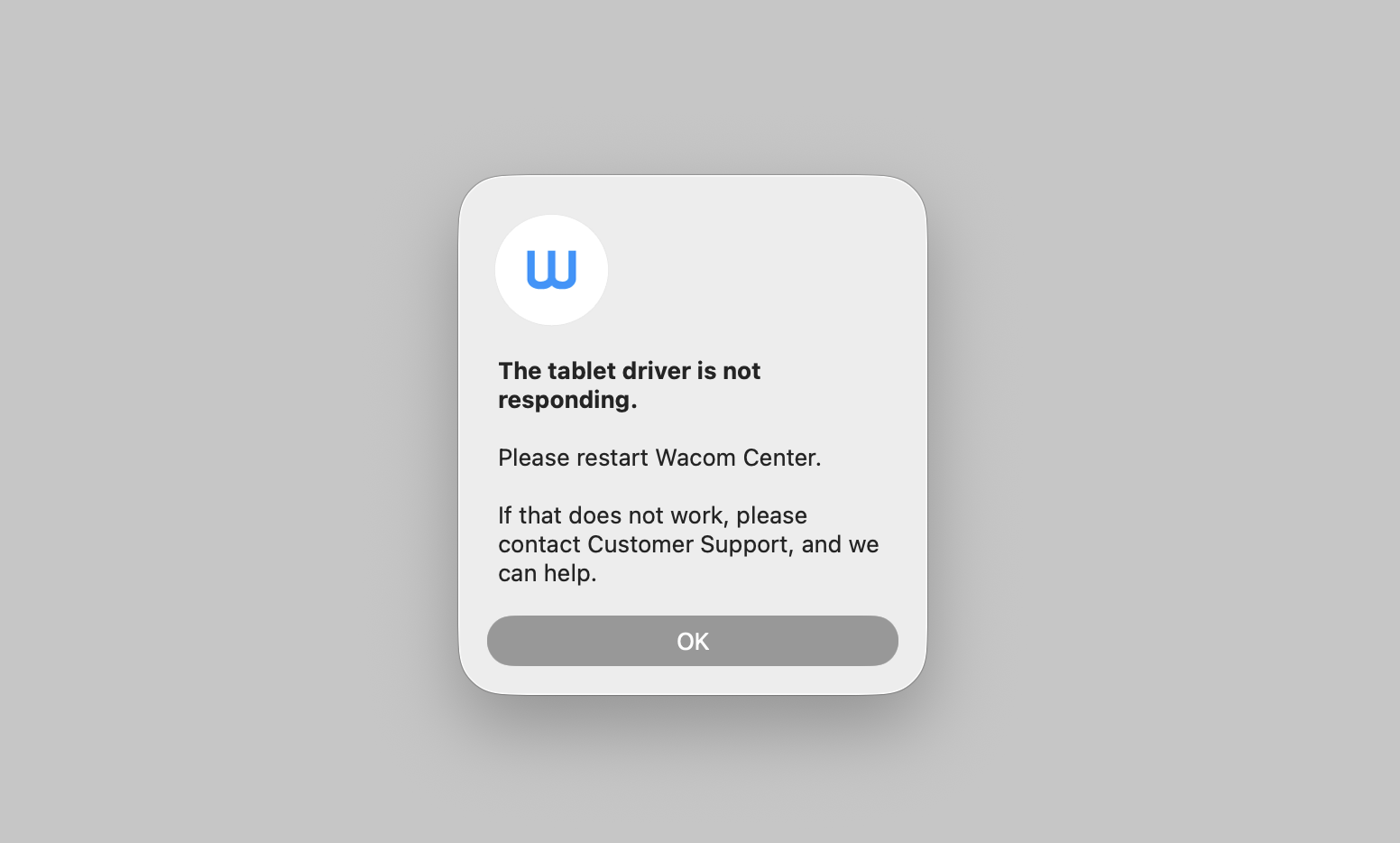
-

Hi Magda Brol,
The last driver for the PTH651 does not support Mac OS Tahoe. You will need to use a different driver.
Please note that PTH651 is no longer supported with driver updates and will not receive a driver that is compatible with Mac OS Tahoe.
However, we have hear that from other customers that driver version Driver 6.4.9-2 works OK in Tahoe, although there will be a few issues interacting with the Mac OS UI.
You can download this driver here: https://cdn.wacom.com/u/productsupport/drivers/mac/professional/WacomTablet_6.4.9-2.dmg
So, I would commend the following:
- Uninstall the current driver: https://support.wacom.com/hc/en-us/articles/1500006264581-How-do-I-uninstall-and-re-install-the-Wacom-driver-on-Mac-OS-for-a-Pen-Tablet-Pen-Display-or-Pen-Computer
- Reboot
- Download and install Driver 6.4.9-2 from the link above
0
Please sign in to leave a comment.
評論
1 條評論