Cintiq 24 (2025) cursor on wrong screen

Since updating my Nvidia drivers to v595.97, my Wacom driver fails to remember my display mapping. Every time I boot my PC or restart the Wacom Driver, the cursor maps to my primary monitor instead of my Cintiq. Even after manually re-mapping it via the Wacom Control Panel or hotkeys, the setting is lost on the next restart. Please advise on how to force the driver to retain the correct display for the Cintiq. I always had the display setup as seen below and never used the change display feature as it always worked out of the box.
Windows 11, version 25H2
Nvidia GeForce Game Ready-Driver Version: v595.97
Wacom Driver Version: 6.4.12-3
2 Screens + Cintiq 24(2025) (3 Screen Setup).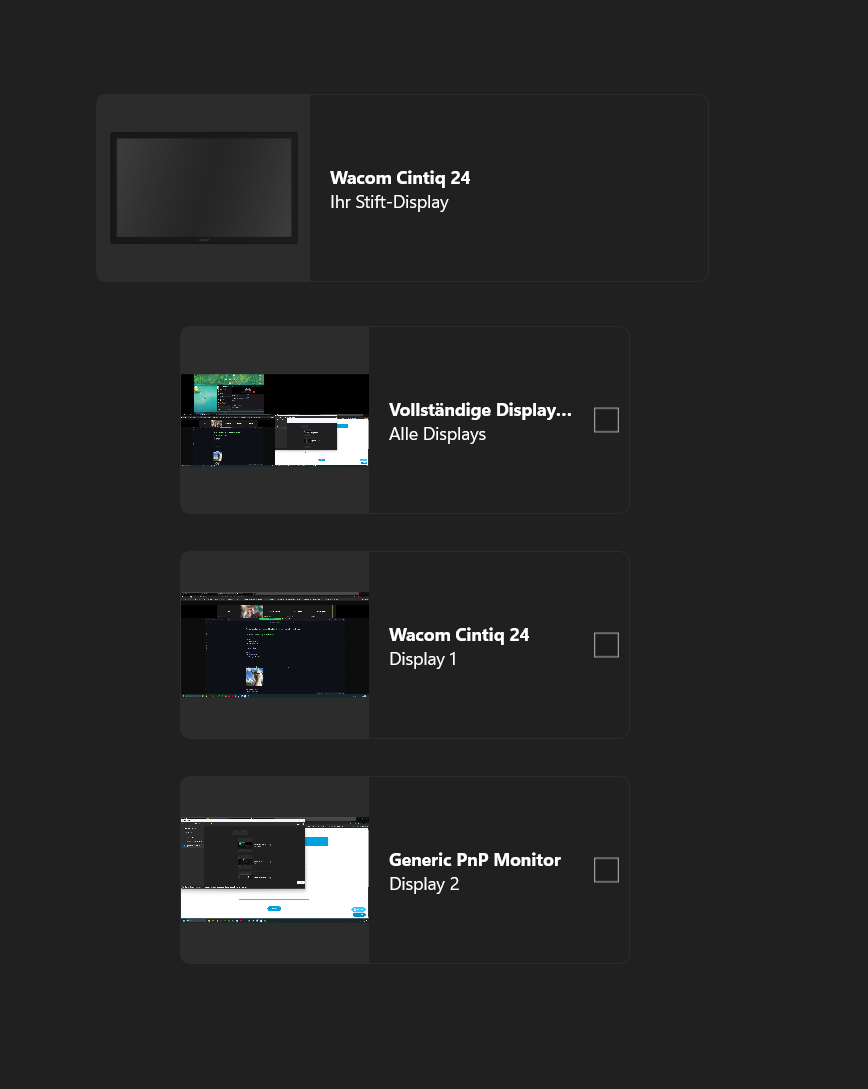
0
Please sign in to leave a comment.
評論
0 條評論