macOS 26 Beta 3

Hello,
I had to install macOS 26 Beta for my work. The tablet was mostly working (critically it worked in tablet mode vs. mouse mode). Clicking on somethings didn't work so I installed the latest driver (6.4.10). But now the driver doesn't work at all. I deleted every trace of Wacom from my system (the uninstall option doesn't BTW), re-installed the driver many times but cannot get it to work at all. I realize Wacom is going to say its not supported, but it was mostly working and I need to draw stuff which is impossible with a mouse.
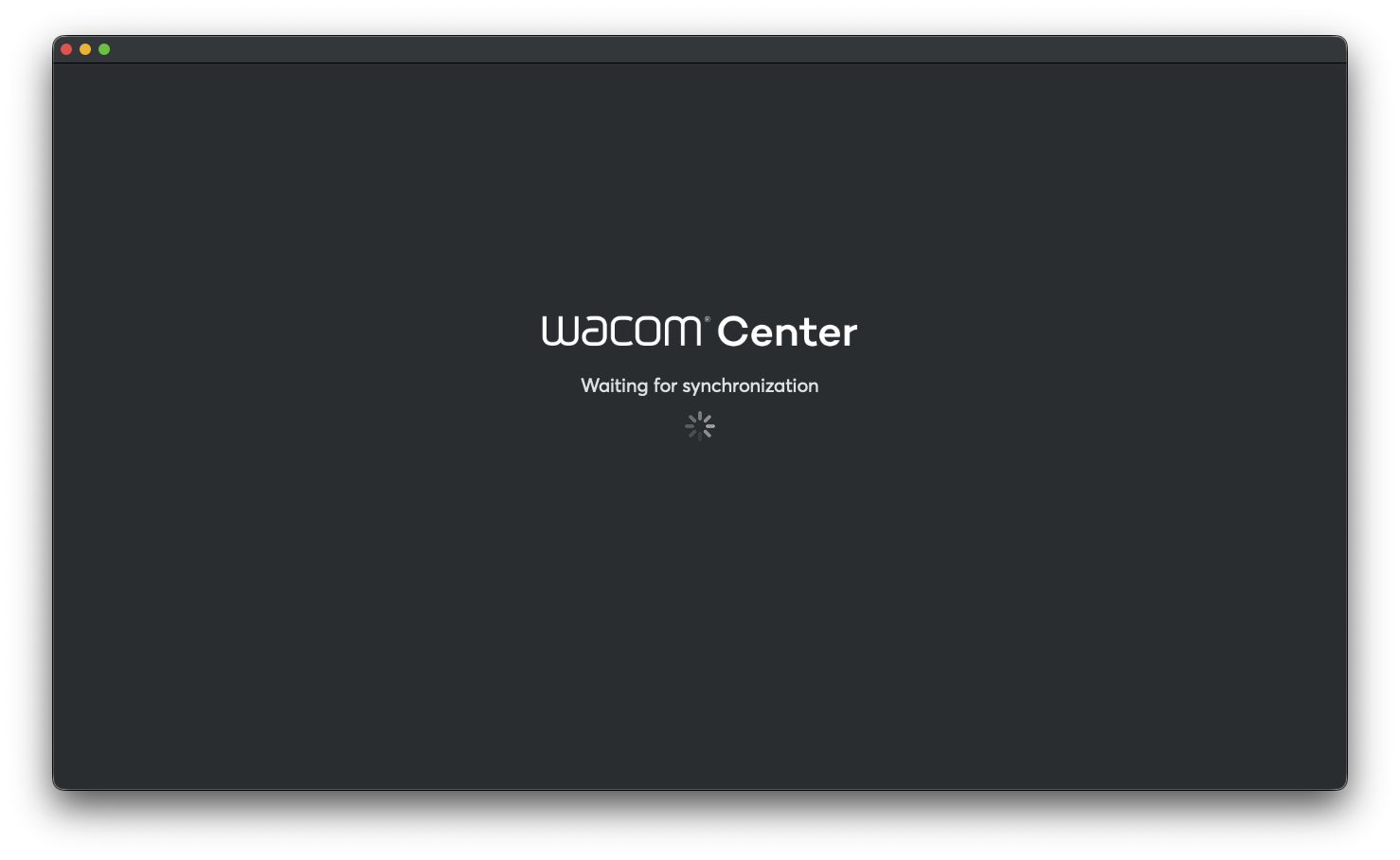
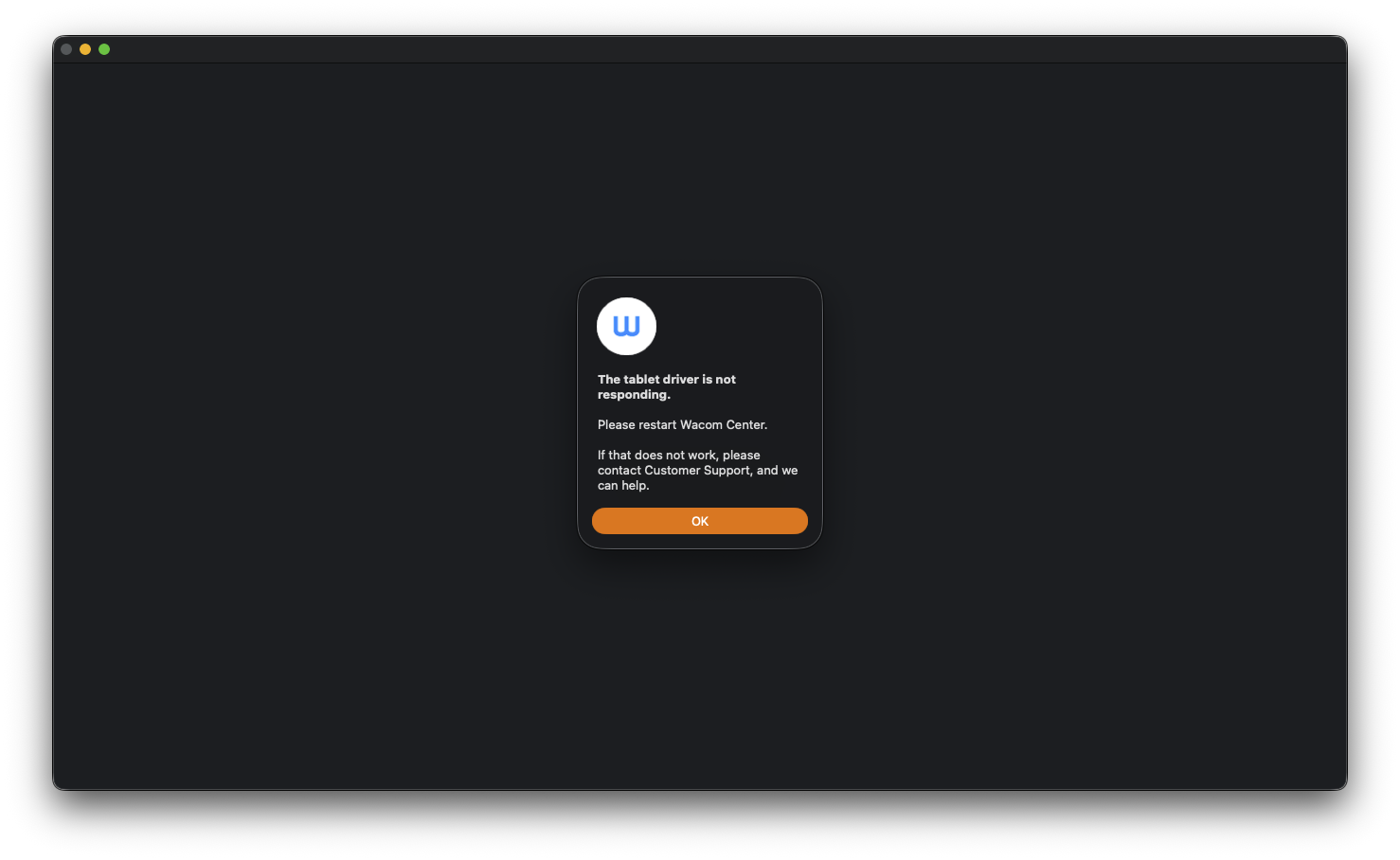
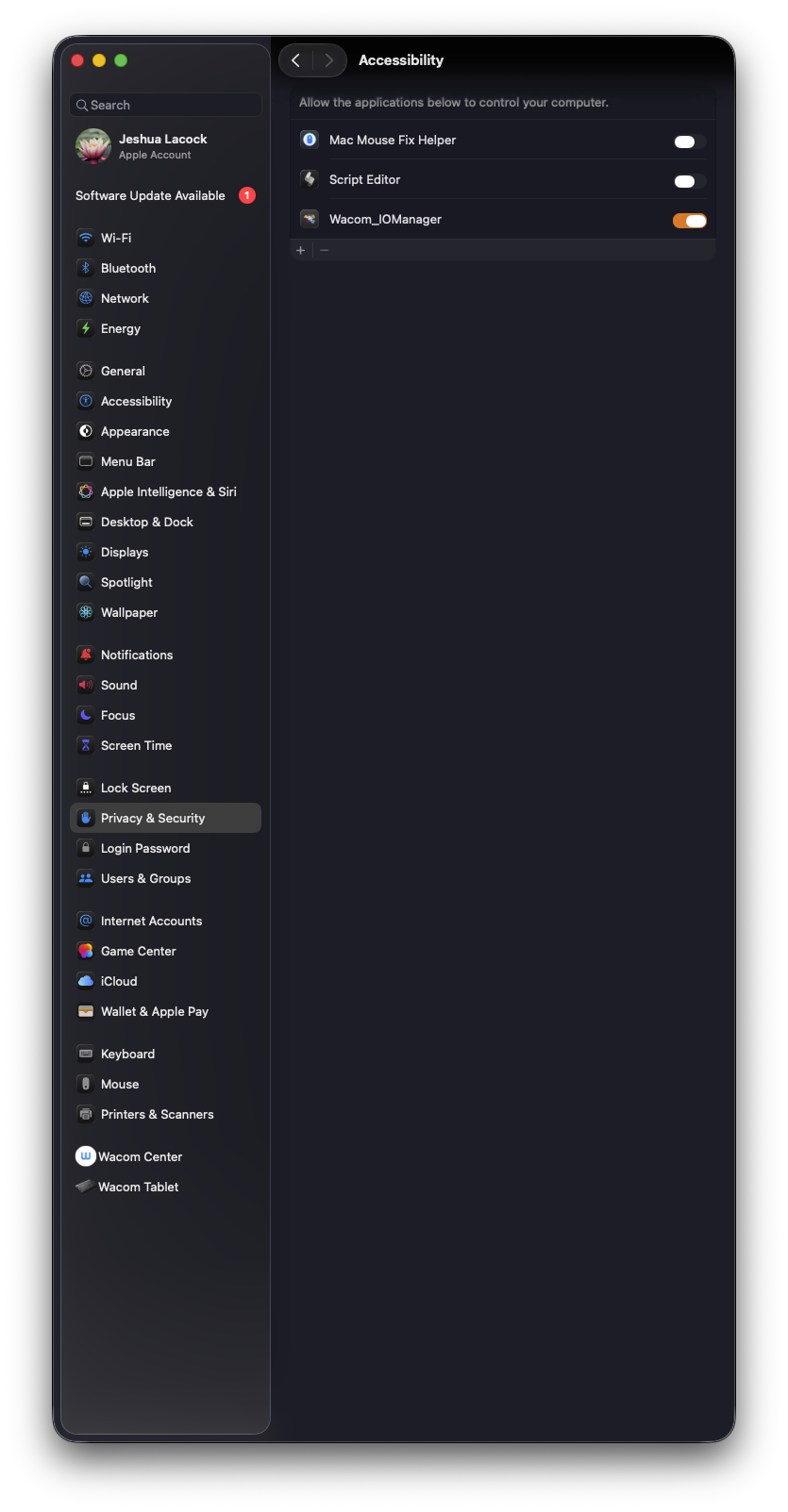
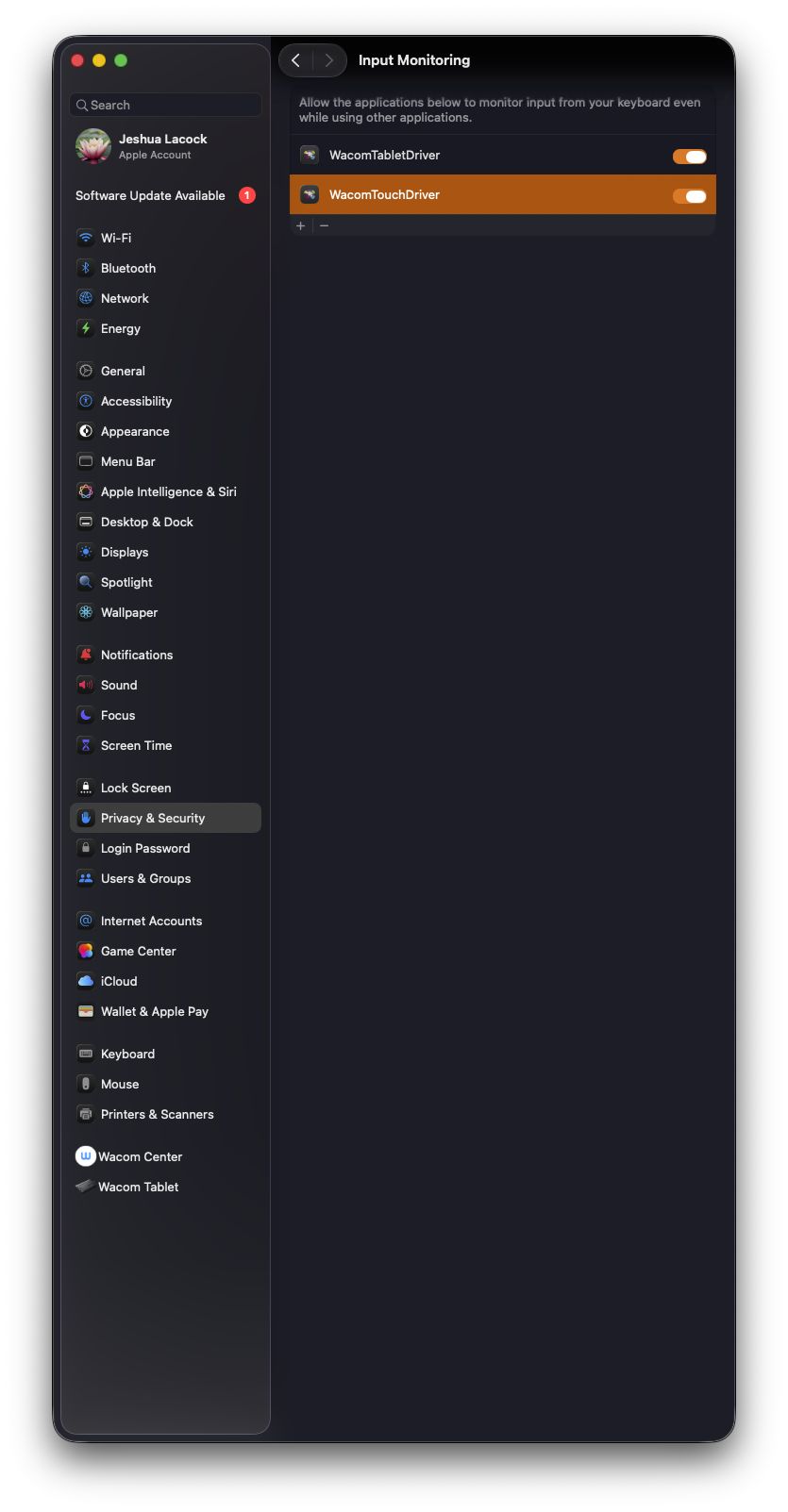
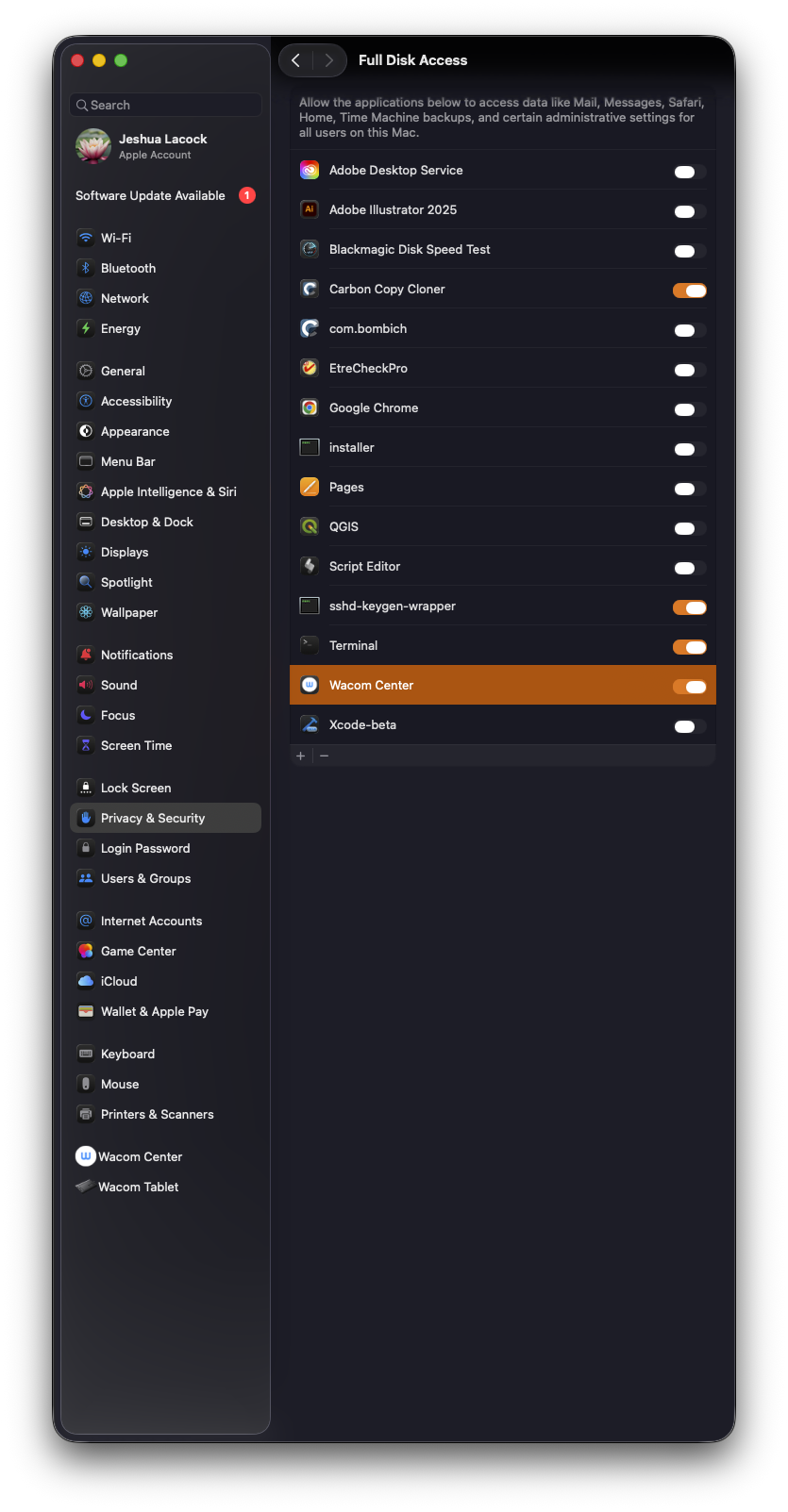
After installing the driver, the only security prompt asks me to grant permission for the Wacom driver to be allowed to run in the background which I accepted. There was no Wacom driver added to the Input Monitoring so I added it manually per the instructions. I restarted per the instructions, but I do not have a Wacom Center listed in "Files and Folders". I launched the Wacom Center which should add it, but, I just get an error (see image). It seems like all I have to do is get the Wacom Center added to the Privacy and Security settings somehow for it to work.


-
Oh actually, Wacom Center does have Full Disk Access privileges in "Files and Folders" and "Full Disk Access"
 0
0 -
I rebooted and the Wacom Center automatically opens now, which is a good sign, but it still fails like my first two screenshots.
0 -
It seems the problem stems from the driver doesn't run because it doesn't recognize the OS version (the last version is allows is 16.9). Since 26.0 > 16.9, it fails with "Undefined OS version"
sudo "/Applications/Wacom Tablet.localized/.Tablet/TabletDriver.app/Contents/MacOS/TabletDriver"
[E] CMacSystemState.mm:143: failed assertion: "Undefined OS version\n"
[E] CMacMessagingServer.cpp:153: failed assertion: "Message Port already Exists?\n"
[E] CMacMessagingServer.cpp:153: failed assertion: "Message Port already Exists?\n"
[E] CMacMessagingServer.cpp:153: failed assertion: "Message Port already Exists?\n"
[E] CMacMessagingServer.cpp:153: failed assertion: "Message Port already Exists?\n"
[E] CMacMessagingServer.cpp:153: failed assertion: "Message Port already Exists?\n"
[E] CMacMessagingServer.cpp:153: failed assertion: "Message Port already Exists?\n"
[E] CMacInputs.mm:171: failed assertion: status == WACSTATUS_SUCCESS
[E] CMacCoordinatorMain.mm:91: failed assertion: status == WACSTATUS_SUCCESS
[C] Coordinator terminating
1 -
I installed OpenTabletDriver and it just works. Easier than the official driver, didn't even need to restart.
0 -

Hi Jeshua Lacock,
Although there is no official version for this Beta version of Mac OS, I have seen other users using the Wacom driver without issues.
From the error messages you showed above, something is blocking the driver from running at the OS level.
Please see the steps here: https://support.wacom.com/hc/en-us/articles/1500006339902-What-does-the-error-message-The-tablet-driver-is-not-responding-mean-after-synchronization-fails-and-how-do-I-fix-it
0 -

I'm also having issues with the driver not responding in the same way as Jeshua.
Is there a beta program I can join, or a download, which has support for macOS 26 Tahoe?
0 -
Hi August Mueller,
There is no driver for Tahoe yet. We will only be able to offer an official driver after the official release from Apple. I suggest you roll back to Sequoia for the time being.
0 -

Previous driver version 6.4.9-2 works fine with the new Intuos Pro S 2025 on Tahoe beta 7
0 -

Hi, Tahoe was officially released yesterday and my work Mac automatically updated. I can confirm I’m running into the same issue. Any updates on a new release?
0 -
The new driver version that supports Tahoe is available here: https://www.wacom.com/en-de/support/product-support/drivers
1
Please sign in to leave a comment.
Comments
10 comments