MacOS 26 Tahoe, unable to click on notifications and other items

Hello,
Using the latest driver, 6.4.11-1, unable to click desktop notifications, or certain items within the Settings app such as for example:
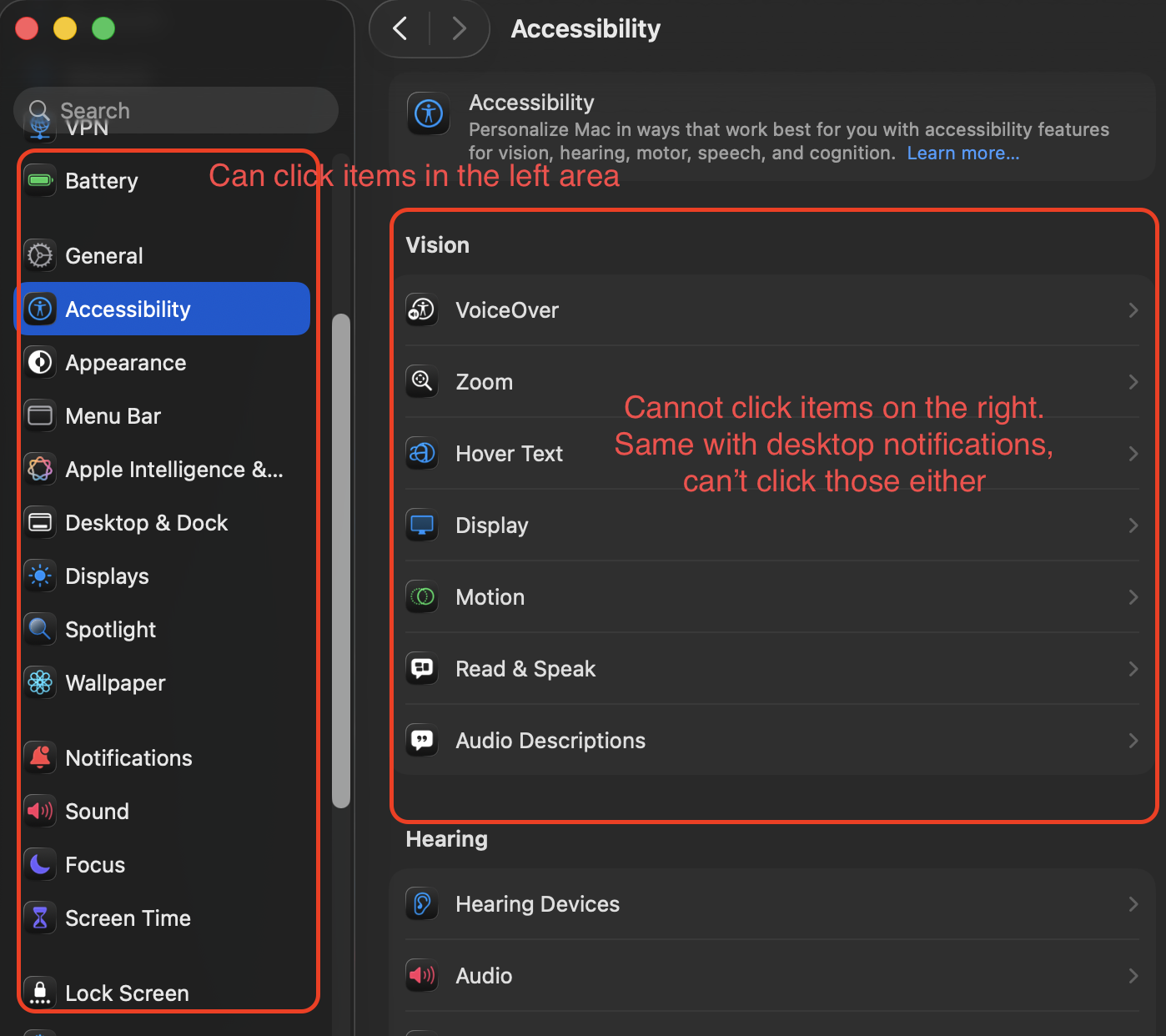
-

Hello N C,
Thanks for reporting this in.
We are aware and have reported this to Apple.
Please see the full patch notes here: https://cdn.wacom.com/u/productsupport/drivers/mac/professional/releasenotes/Mac_6.4.11-1.html
0 -

I have the exact same problem. Apple has released macOS 26.0.1 but this hasn't sovled it.
0 -

I have the same problem, also pop-up message can not be closed by clicking on cross with pen.
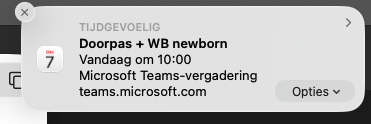
now I have to use the tracking pad on my Mac to click this is pretty annoying.
0 -
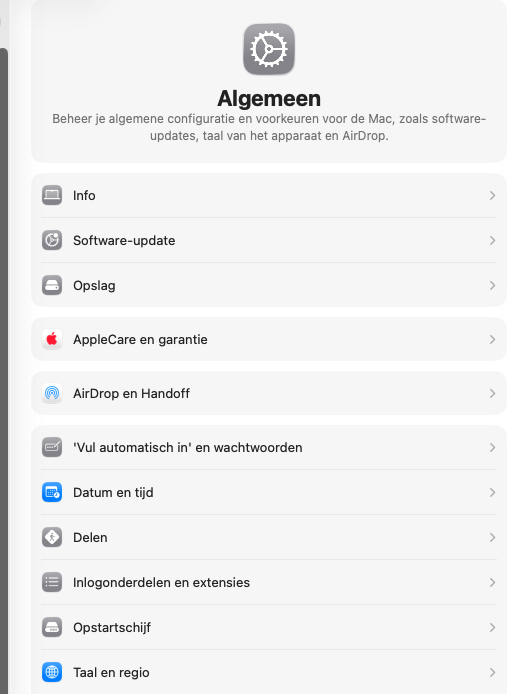 Alao when in pref and choose for example software update can't use the pen.0
 -
Hi Mira vanBeeren,
That is the same issue I reported in my previous post.
0 -
I found out double click with pen, for me does the job.
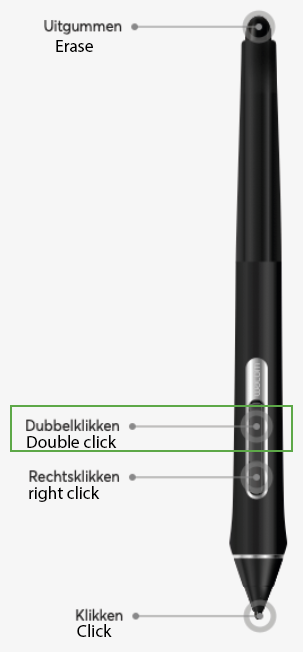 0
0 -
That's great. Thanks for sharing. I will let the team know.
Cheers
0 -
Yes I know this, but it's not a true workaround as the pen double click registers as a double click in the OS as well, introducing potential issues where a single click is desired. So not a workaround and the product is still defective until the software is fixed.
0 -
yes agree (but for me it works now, but it's very confusing and not the right way)
0 -
Hi everyone,
A fix for this issue has been released with a newer version of driver 6.4.11. Would you mind installing and trying it out?
0 -
Hello João,
I Downloaded your newest version and it works well now. everything is ok now with click on pop-up and also when go to settings. Super thanks.
1 -
It works now, thank you!
0 -
Same here. Everything seems to be working fine again. Thanks!
0 -

Hi,
Could you please update the driver for PTH-651?
tnx!
0 -
Support for PTH-651 is discontinued. You can still download and install driver 6.4.9 from our website:
https://www.wacom.com/en-de/support/product-support/drivers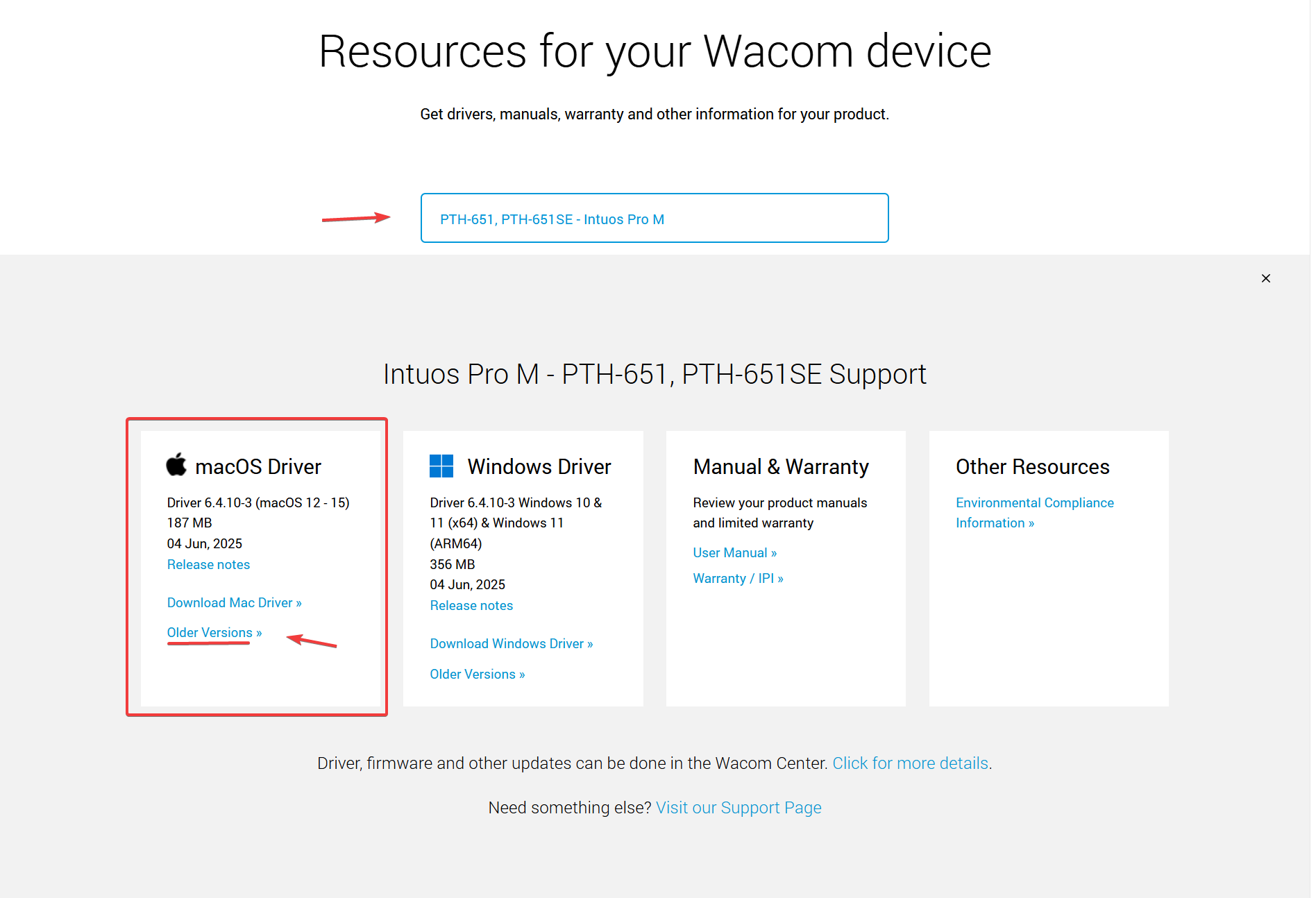 0
0 -

But this does not fix it for PTH-451. I don't see why the product is discontinued. It essentially bricks fully functional hardware. Please fix it also for PTH-451.
0 -
Hi Christian Leon Christensen,
Unfortunately, the PTH-451 from 2013 is no longer in service and can no longer be supported with the latest drivers.
Please see more information here: https://support.wacom.com/hc/en-us/articles/34151946332311-My-Wacom-Device-is-No-Longer-Supported-What-Now0 -
So easy to just say unfortunately and drop fully functional hardware.
Maybe open soure the drivers since you can not maintain it, so the community can. It's pointless to throw out hardware that works great but is bricked by software. I can trigger the mouseclick I need by using the pen as a mouse or as a touch pad, I don't see why heck it should be magically different to tap with the pen tip.
I know there is tech debt and things accumulate, but then separate the drivers into legacy and new. This should NOT be a tough software problem to solve. I view it as convenient obsolesence for you guys. I have three intuos tablets of this model and a cintiq, that works flawlessly on windows.
I'm sorry, this is just not good enough, but I can't change you guys, and I have tried for the last 25 years to do so and have moved on to other tablets when they are 'marked for death' by your driver. I'm sick of it.
Take a long read on teh part on your website that talks about environment issues, and connect that with this convenient obsolescene. It makes no sense.
Thanks for reading. I don't have my hopes up for change I'm afraid.
0 -
You know who did it right? Bose. Just the other week or so (Jan. 2026 if reading this later) they open-sourced their SoundTouch speakers.
https://www.theverge.com/news/858501/bose-soundtouch-smart-speakers-open-sourceIf Wacom are serious about their environmental commitment it would be the right thing to do.
0 -

Yeah. This is crazy. The PTH-451 continues to work on my computers that were running Sonoma and Sequoia... When I upgraded them to Tahoe, they still work fine. A new computer with Tahoe already installed does not work at all, even after installing some older drivers. If it works fine with the upgraded Tahoe machines with old drivers from Sonoma and Sequoia, it should be an easy tweak to the newest Tahoe driver... You would think... More Plastic and lead for the landfills... These tablets are almost 10 years old but work fine otherwise. Such a waste.
0 -
For people in this thread, I updated to Mac OS 26.2 and now I can tap on cons in the Notification Area and in the System settings app.
0
Please sign in to leave a comment.
Comments
21 comments