Wacom Movink 11 as second screen?

Hello all,
I'm looking into purchasing the Wacom Movink 11 tablet and am wondering if it can be used as a second screen for Mac OS Sequoia. I heard that a USB cord would connect it to the Mac mini ( which I have ) and screen mirroring should take effect automatically or using it via wifi or bluetooth?
Thanks!
-Adam
-

Hi Adam Glazer,
The Wacom Movink Pad 11 will not work as a second screen, but the Wacom Movink Pad Pro 14 will be able to be used as a screen via USB-C to USB-C as well as wirelessly:
0 -

João are you sure about that ? The shop comparison displays "Instant Pen Display" to work wired and wireless for the MoveinkPad 11:
https://estore.wacom.com/en-de/wacom-movinkpad-11-dtha116cl0b.html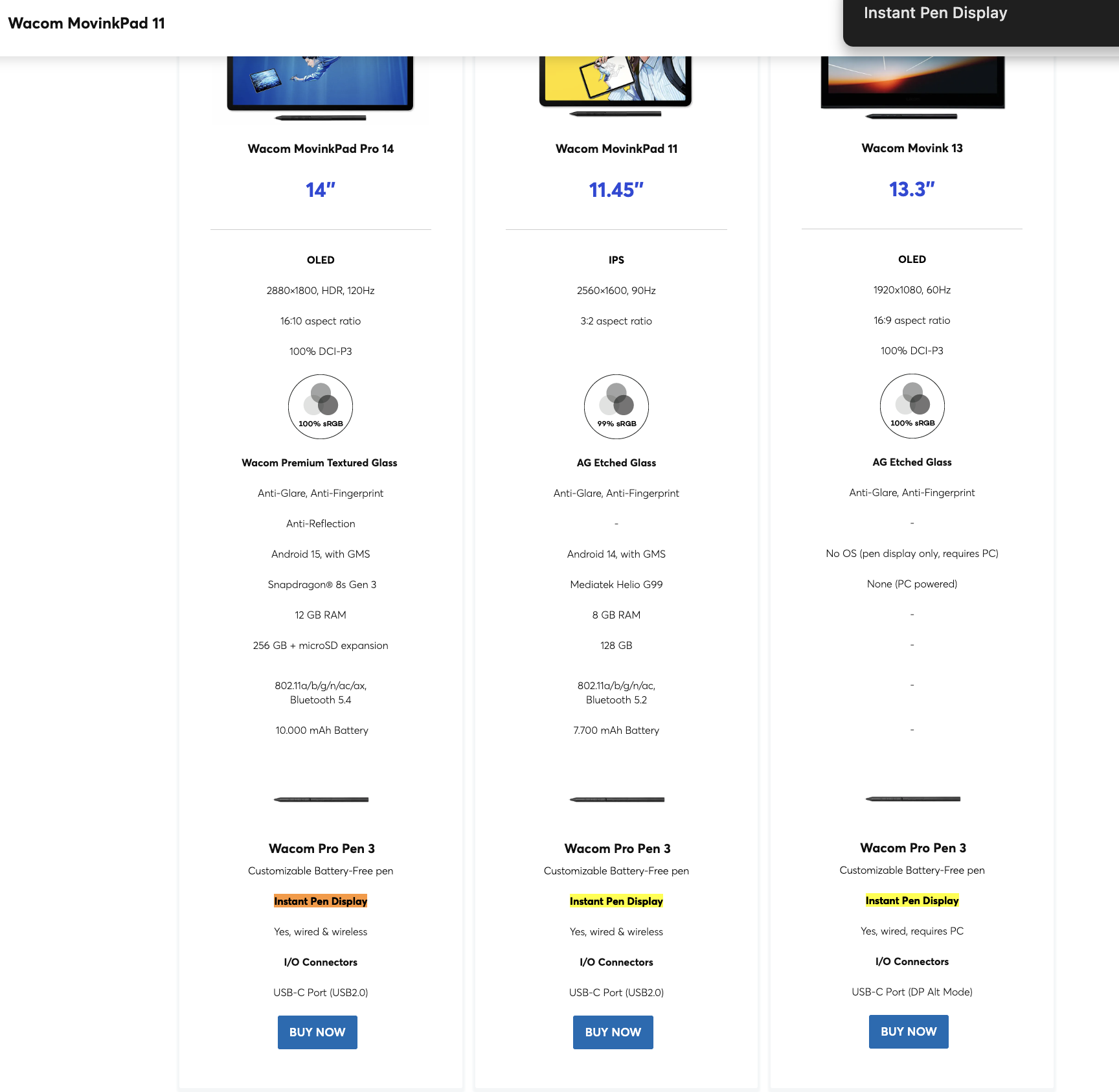 2
2 -
Hi Suau Hu,
I am sure. This might come later to the MovinkPad 11 but is currently not there. Also, not a feature for the Movink 13 so this is a clearly a mistake on the website. Thanks for the callout.
Cheers
0 -
Good catch there on the Movink 11 and 13. It would've been nice if the MovinkPad 11 would be able to be used as second screen to mirror the desktop to move windows over for viewing, etc. But the 14 inch model seems to have that capability? I would imagine because that requires using USB C to connect rather than using SideCar for iPad.
0 -
Hi Adam Glazer,
It is still being considered for the Movink Pad 11, but it is something that needs some work before we are ready.
Also take note that the Movink Pad 14 Pro can also be used as a display wirelessly, via Wi-Fi (as long as the host computer is on the same network).
0 -

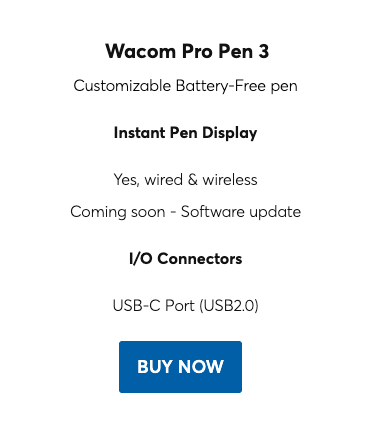
For anyone coming back to this, as of December 9, 2025, it seems like Wacom is working on this (for both the wired and wireless options) and the comparison page says "Coming soon - Software Update".
 0
0
Please sign in to leave a comment.
Comments
6 comments