Wacom not working

Peace be upon you, I own a Wacom Intuos Pen tablet, model CLT-6100, serial number 0H000U1004061, and these problems have recently appeared in it, and I do not know the reason, knowing that it has not been dropped from. I periodically download the update for the device and send you pictures of the problems found in it. I hope that this problem will be solved, knowing that I have had this device for Only two years and the work is simple
The problem is that it makes a selection of all programs at once without pressing the pen on the tablet. When you click on any program, it does not open the program. I sent you pictures of the problem, marked in a red box, to show the existing problem. I hope that the problem will be solved as soon as possible due to the work stoppage. Thank you.
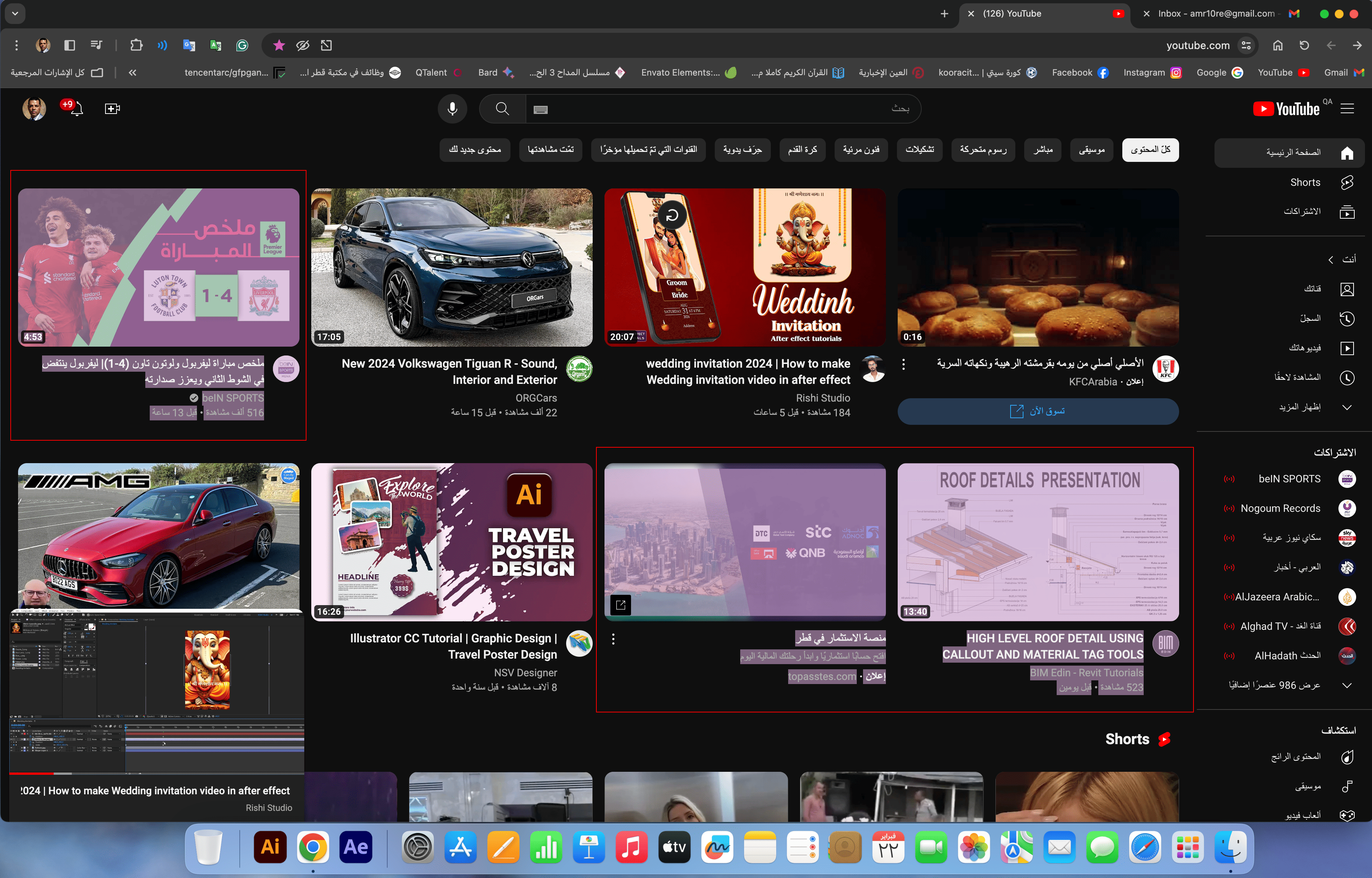


-

Hi amr saed,
If I understand correctly, the tablet behaves as if you are pressing the tip of the pen on the surface of the tablet, even if you are not correct? If this is what you experience, this is a known issue and is what we call "stuck nib" meaning that the pen pressure sensor is stuck in a pressure state. Please try:
- Remove the pen Nib from the pen and let it rest on the pen stand overnight
- Reinsert the nib and test the pen again
- Use the Diagnose tool to confirm if issue is fixed
- If the persists, the pen needs to be replaced - Contact Customer Support for further advise
0
Please sign in to leave a comment.
評論
1 條評論